
Swish för handel
Let customers pay in SEK with Swish through a native PrestaShop checkout, with QR or app hand-off and bank-verified order updates.
Swish för handel
Let customers pay in SEK with Swish through a native PrestaShop checkout, with QR or app hand-off and bank-verified order updates.
What you can do
A clear payment flow on mobile and desktop
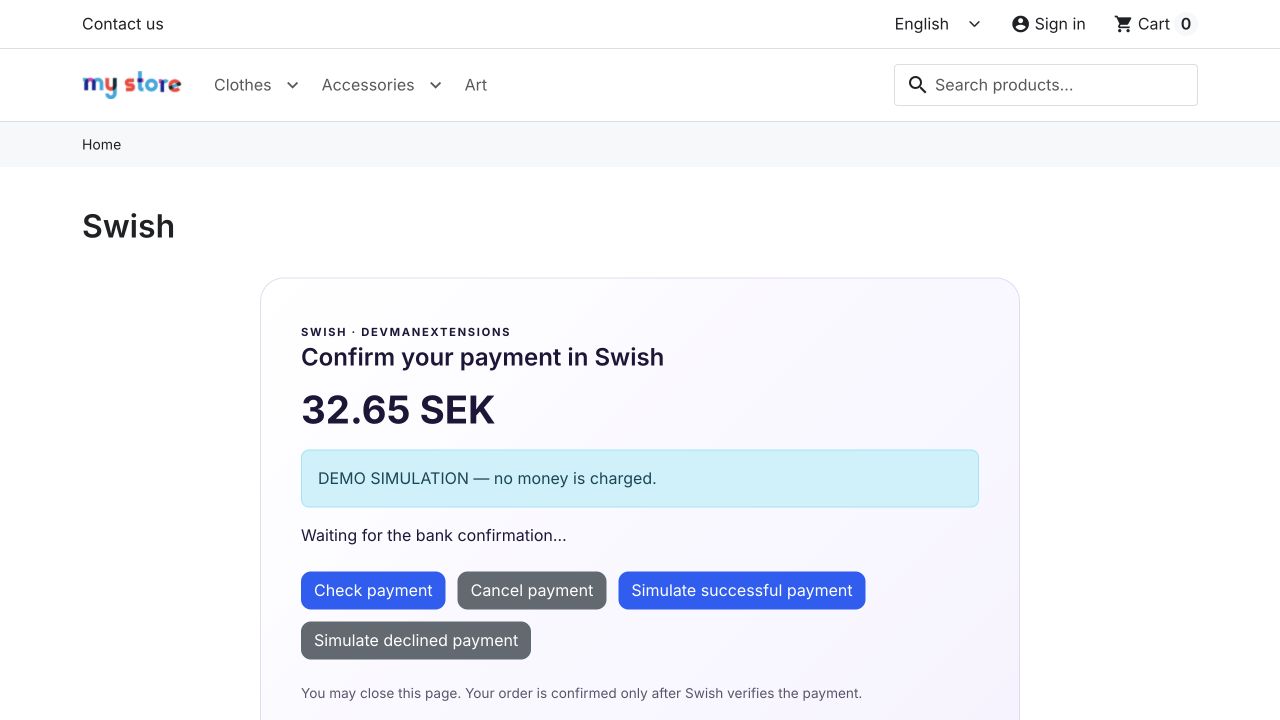
Customers can enter a Swedish phone number or use the QR/app route. The page follows the payment status and returns to native order confirmation after the bank confirms payment. Guest checkout is supported.
The bank decides the payment result
Payment requests use Swish API v2 and mutual TLS. Callbacks trigger a bank status check; browser messages cannot mark an order paid. Amount, currency, merchant and order identity are checked before updating native order states.
Retries without duplicate orders
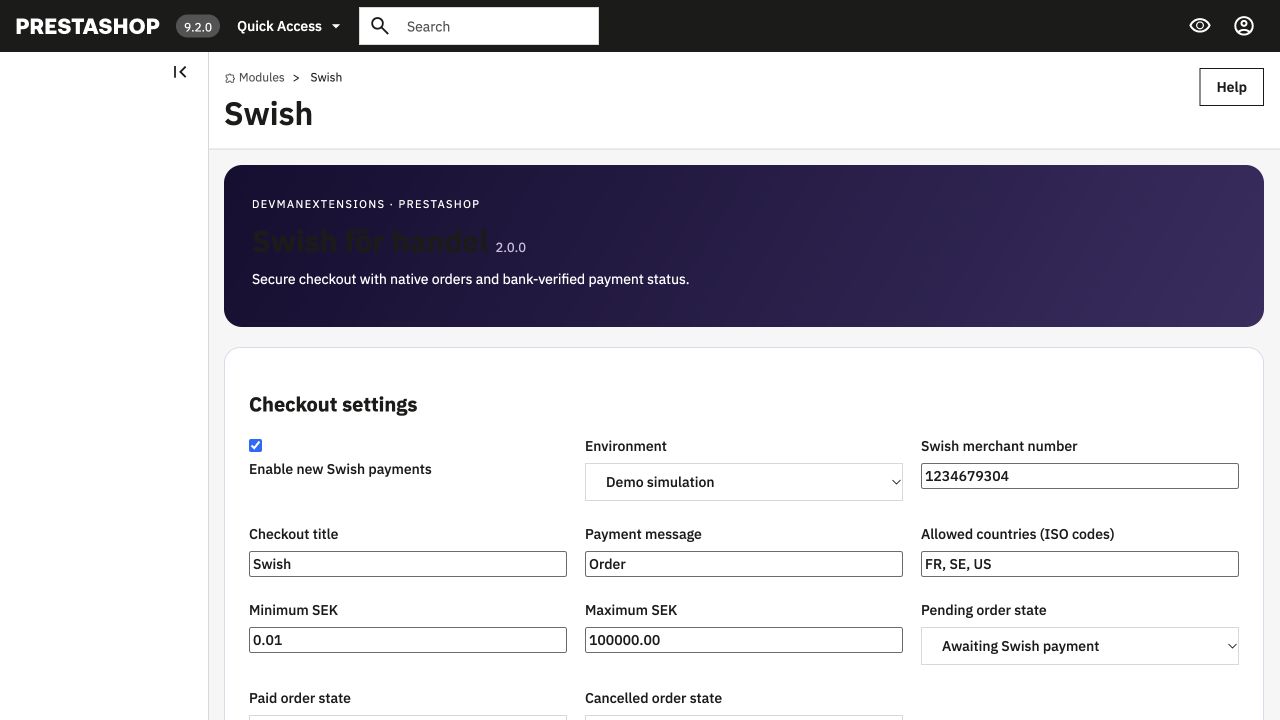
Interrupted requests can be reconciled from the administration or CRON. Repeated notifications are idempotent; uncertain results stay under review. The administrator can inspect payment history and choose native pending, paid and cancelled states.
Inside the module
Explore the product before you buy.
Isolated demo with fictional data. Swish payments are simulated; no money is transferred.
Administration demo
Sign-in is automatic with the restricted demo account.
Useful answers before purchase
Is this the right edition for my store?
Tested on PrestaShop 9.2.0, 8.2.8 and 1.7.8.11. Back up your store and validate files before importing.
A Swish merchant agreement, bank-issued client certificate, SEK currency and public HTTPS callback on port 443 are required for live payments. Keep certificates outside the public webroot. Automatic refunds are not included; handle refunds through your bank process.
Where do I download the extension?
Use the DevmanExtensions Download Center after purchase and follow the instructions for your product and platform. Keep a backup and test the installation before changing your live store.
License rights
Perpetual use, three months of support and six months of updates. Activate with your Devman download code and licensed shop URL.
Know about license rightsHistorical edition: archived features and links
The following reference belongs to the previous edition. The current package and requirements are described above; retired services and OpenCart examples are historical references.
Swish Payments for PrestaShop
Offer Swish as a payment choice in PrestaShop. Connect the payment module to your merchant setup and review the checkout flow before accepting live payments.
Explore the workflow. Check the requirements. Choose with confidence.A clearer workflow. More control.
Offer a familiar payment choice
Add Swish to the payment options presented in checkout.
Keep setup requirements clear
Prepare your merchant access and the configuration required by your platform edition.
Verify the complete payment flow
Review successful, cancelled and unsuccessful payment scenarios before launch.
How it works
Confirm requirements
Check your platform version and merchant integration requirements.
Configure
Install the matching Swish module and complete its merchant settings.
Test
Verify the checkout and order result with the appropriate test environment.
Useful answers before purchase
Is this the right edition for my store?
A suitable Swish merchant setup is required. Confirm the supported PrestaShop versions and certificate or access requirements with our team before purchase.
Can I use it with a customised theme?
Theme and extension interactions depend on your setup. Contact our team with your platform version and installed components before purchase; any custom integration is quoted separately.
Where do I download the extension?
Use the DevmanExtensions Download Center after purchase and follow the instructions for your product and platform. Keep a backup and test the installation before changing your live store.
What do you need?
Digital download after payment confirmation. No shipping charges.
Converted prices are estimates. Payment currency is confirmed at checkout.
Backend Demo Frontend Demo